01
Ready in minutes
Install the app, sign in, and hit connect on the home screen.
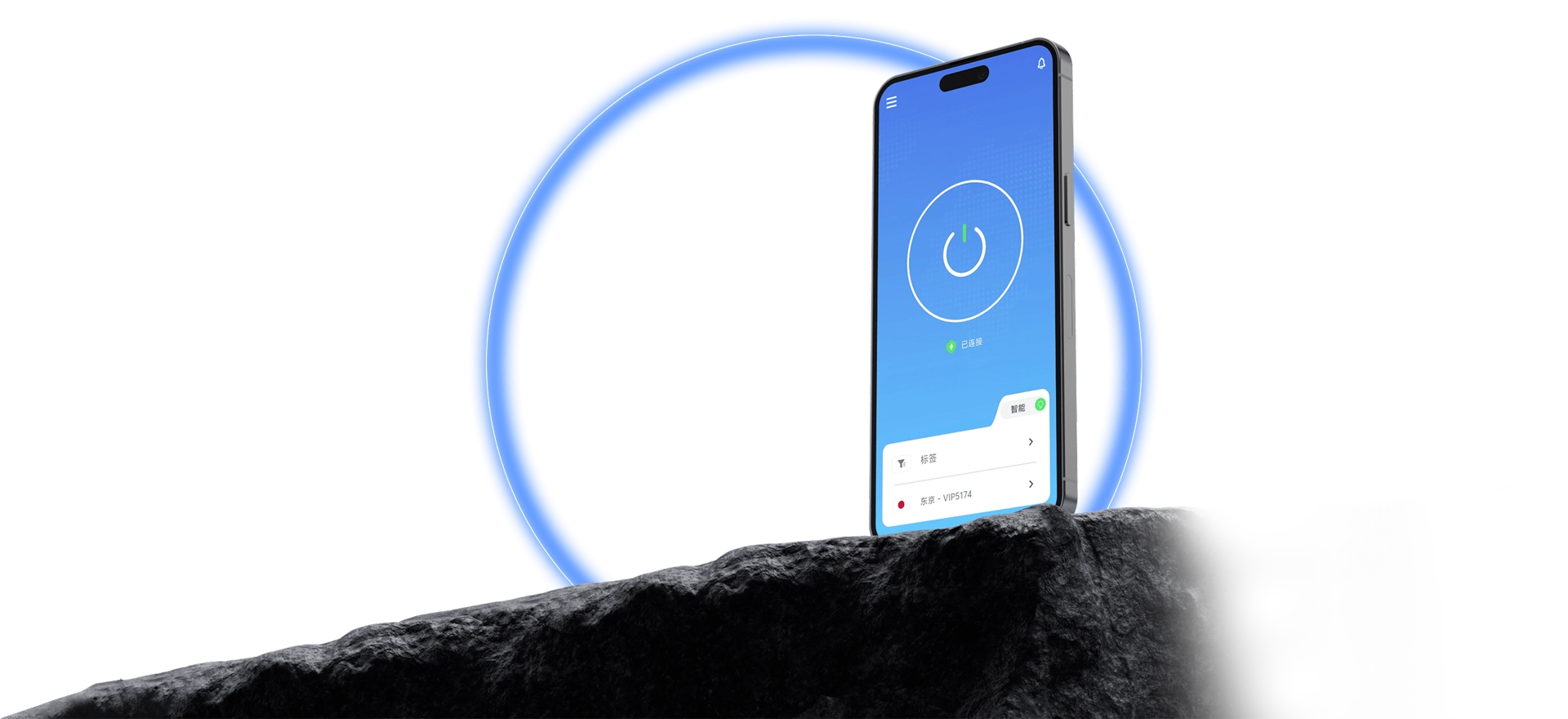
One tap to a faster route for streaming, gaming, AI tools, and everyday browsing.
From install to first connection, QuickQ takes a few steps: get the client for your system, sign in, and choose a route. Windows, macOS, iOS, Android, and Linux are all supported, one account handles multiple devices, and the status is always visible.
Every step is spelled out, so the first run is not a puzzle.

Install the app, sign in, and hit connect on the home screen.
Available routes are listed clearly, so switching is easy.
You can always tell whether the connection is live.
Every platform works much the same, so there is little to relearn.
What data is needed, why, and how it is protected is all documented.
Install, sign-in, and connection issues all have written answers.
Download the client and follow the tutorial to set up QuickQ.